


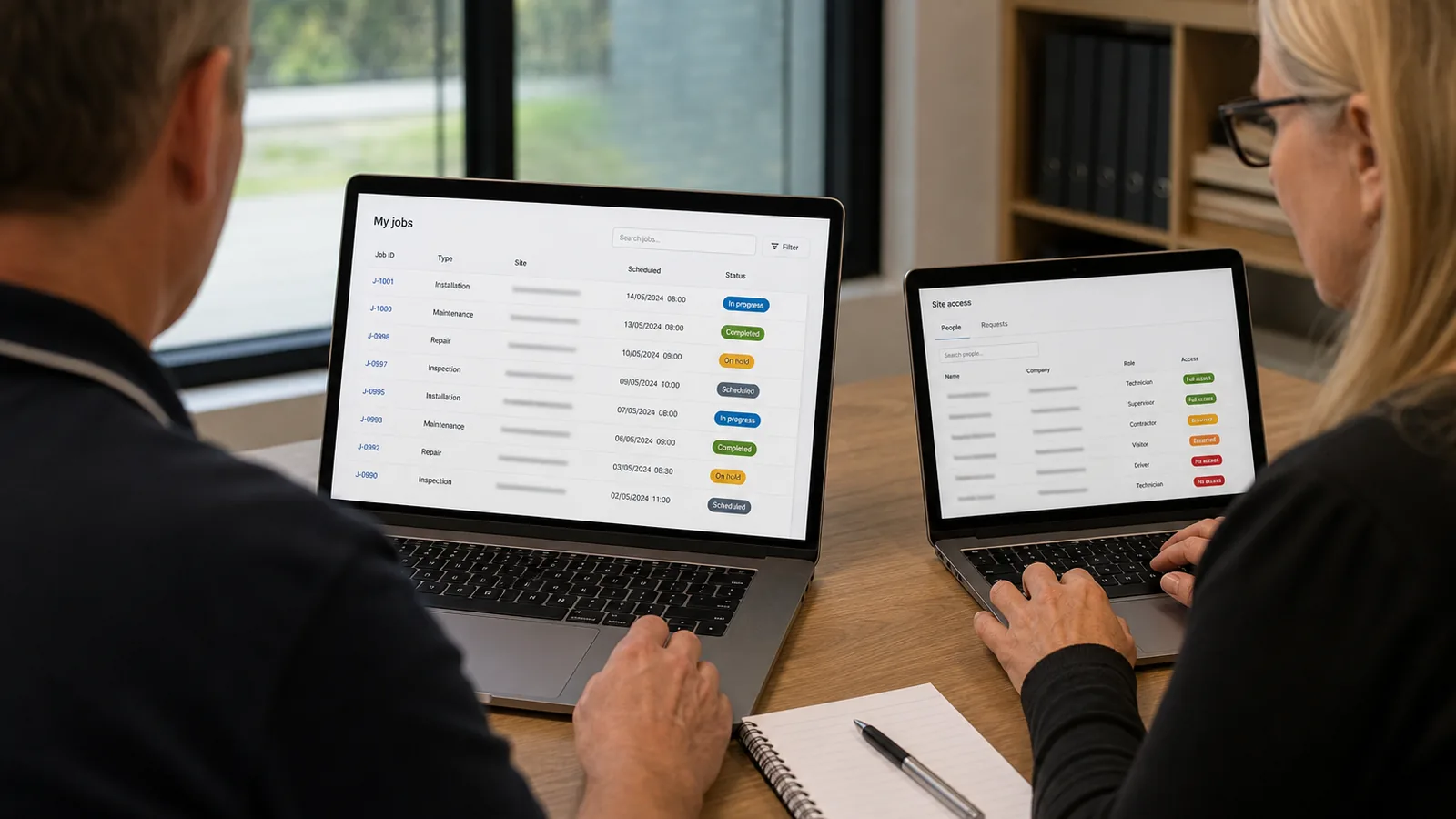
An Australian service business wants to reduce routine calls and emails. Customers keep asking whether an invoice was received, a request has progressed or a document has been verified.
The requirement sounds simple:
Can we send the customer a link so they can see the update without creating an account?
Before the page even opens, what could someone already learn from the URL itself—an invoice number, case type, customer sequence or internal process?
One development team says yes. It proposes a tracking page, places a random value in the URL and estimates the work.
The Right Questions to Ask
Another team pauses before estimating. It asks:
- Who will receive the link?
- What exact question does the customer need answered?
- Which system holds the source information?
- What would happen if the link were forwarded?
- Which information must never leave the internal workflow?
- Who will own the feature after launch?
Both teams may be able to produce a page that looks correct in a demonstration. The second has made more of the necessary business and access decisions visible. Those questions are a useful signal—not proof of the team’s full delivery capability.
That difference matters in customer portal development. The visible screen is usually the simplest part. The harder work sits underneath it: workflow, integration, privacy, access decisions, exception handling and long-term ownership. A tracking page is a feature; a customer self-service capability gives customers useful access without creating more work or exposing more information than intended.
The short answer: Give every prospective development partner the same real customer journey. Assess whether they can understand the workflow, justify the access model, separate external access from internal records, test misuse and own the feature after launch. Together, these five capabilities provide a more useful way to assess delivery judgement than relying on a feature list or polished proposal alone.
This article gives Australian SMEs an access-model table, a URL risk screen, a partner scorecard and a pre-launch check to run against one real journey. For a broader assessment of delivery partners, see Offshore Software Development for Australian Businesses.
Five Factors That Separate the Partners Who Understand Your Business
1. Do They Understand the Real Customer Workflow?
A portal should not be designed around the database record or the internal team that requested it. It should be designed around the external user's question and the operational process that produces the answer.
For an invoice-status journey, the customer may only need to know that the invoice was received and when to expect the next update. They may not need to see an internal invoice number, finance queue, approver, account note or exception code.
The same test applies to an NDIS self-service journey: a participant may need a clear status and next step, not internal case notes, staff assignments or workflow codes.
The provider should also identify who sends the link, what triggers it, how incorrect information is corrected and where support staff look when the customer calls.
What to ask: Ask the provider to draw the journey from the triggering event to the customer's next step, including which system owns each piece of information and who supports it after launch. A strong team explains the workflow in business language, identifies missing decisions and challenges unnecessary exposure or complexity.
What Shinetech's published approach shows: Shinetech's How We Partner model says developers receive business context before a project begins, while its custom software approach starts with business goals before code. In a portal evaluation, the evidence to request is a journey mapped in your own operational language—not a generic discovery presentation.
2. Can They Choose the Right Access Model?
"Public link or login?" is not a visual preference. It is a business-risk decision.
| Customer journey | Typical exposure | Access model to consider | Decision question |
|---|---|---|---|
| Check a low-sensitivity delivery or request status | A limited status and next step | An opaque, expiring link may be appropriate | Would disclosure cause meaningful harm? |
| View personal details or customer-specific history | Personal or commercially sensitive information | Login, identity check or another verification step | How do we know the viewer is the intended person? |
| Open an invoice, claim, care record or full document | Detailed financial, health or case information | Authenticated portal with record-level authorisation | Is possession of an emailed link enough evidence of identity? |
| Upload a document, approve a request, change details or make a payment | An action changes data, money or an obligation | Authenticated session; stronger verification for higher-risk actions | What is the consequence of the wrong person completing the action? |
The goal is not to force maximum friction into every journey. It is to choose friction deliberately according to the user, the information and the consequence of misuse.
Ask the provider: Can customers check status without logging in?
Weak answer: “Yes. We’ll generate a random URL.”
Strong answer: “Possibly. First we would define the information returned, the risk if the link is forwarded, expiry and revocation rules, and whether the journey requires login or another verification step.”
For organisations covered by the Australian Privacy Principles, APP 11 requires reasonable steps to protect personal information. Public-link design may form part of those technical and organisational measures; an opaque URL alone does not establish compliance.
This article is a practical vendor-evaluation guide, not legal, privacy or cybersecurity advice. The appropriate model depends on the data, the user, the consequences of misuse and the obligations applying to the organisation.
What to ask: Ask the proposed team to justify the access model against your information, users and consequences, and record the decision before implementation. Organisational certifications do not decide whether a particular journey should be public or authenticated.
3. Can They Separate External Access from Internal Records?
Read the proposed URL before looking at the page. A route such as /track/invoice/INV-104392 reveals business meaning and an internal numbering format; /track/status/<opaque-token> hides that meaning but is only one layer of protection.
A Quick URL Risk Screen
This screen identifies questions to investigate, not a security severity score. A URL’s shape alone cannot establish whether data is exposed. Check the response, server-side controls and consequences of misuse.
| URL example | Visible signal | What to test |
|---|---|---|
/invoice/INV-104392 | Business meaning and a numbering format are readable. | Can someone obtain another record by changing the value? Is the information appropriate for this viewer? |
/track/123456789 | The value may be sequential or predictable. | Test whether guessing reveals a record, metadata or a different response. |
/track/<strong-opaque-token> | The value hides business meaning. It may still grant bearer access. | Verify strength, scope, expiry, revocation, response limits and leakage controls. |
The public token should map to the internal record through a controlled server-side layer. In an anonymous journey, the server validates the bearer token and enforces its exact data boundary; it is not proving that the viewer is a particular authenticated person.
A random-looking identifier is not a replacement for access control. OWASP guidance on insecure direct object references recommends server-side checks for each protected object and describes complex identifiers as defence in depth rather than the primary control. The Australian Signals Directorate's guidance on web application access-control abuse likewise focuses on correct authentication and authorisation.
What to ask: Ask how the server validates every request, including token scope, expiry, revocation and response-field restrictions. A strong answer names the public fields, internal fields, token rules and circumstances that require authentication. The response should contain only the minimum useful information, while altered and repeated requests fail safely.
If the page contains sensitive information or allows a consequential action, the answer may still be "require authentication". A well-designed token cannot make every workflow suitable for anonymous access.
Also ask how the team addresses leakage through errors, caching, indexing, referrers, analytics, logs and support tools—not simply whether the portal will be "secure".
4. Do They Test Misuse Before Launch?
Most portal demonstrations show the intended path: the right customer opens the right link and sees the right result. That proves the feature works. It does not prove the boundary works.
Before approving the design, ask to see what happens when:
- one character in the token is changed;
- the link is opened repeatedly or by an automated script;
- the link is forwarded, expired or revoked; and
- the underlying record or API response changes.
What to ask: Put at least one invalid, expired, forwarded and repeated-link scenario in the acceptance criteria and ask the provider to demonstrate them. Failure messages should not confirm whether a customer, invoice, claim or document exists; logs should support investigation without placing unnecessary sensitive information in analytics or support systems.
5. Will They Own the Feature After Launch?
Portal fields change. Integrations expand. Support teams request more detail. An endpoint designed for one journey gets reused for another.
The partner should document the access model, public fields, expiry rules, logging, monitoring and change controls. It should be clear who reviews unusual activity, who can revoke access and how future changes are checked against the original boundary.
What to ask: Ask who owns the workflow after go-live, what is included in handover and how a future field or integration change will be reviewed. Strong evidence includes documented business rules, access decisions, monitoring and operational ownership.
What Shinetech's published approach shows: The Australian custom software service includes maintenance, performance monitoring and feature-roadmap support after launch. Ask how those services would apply to this portal, who would retain context and what is included in handover.
How Delivery Models Compare
A useful comparison is whether an engagement starts from the requested feature or the customer and operational workflow behind it. Apply the same test to every provider—including Shinetech—and ask the proposed team to demonstrate its approach against your journey.
| Decision area | Feature-first delivery | Workflow-first delivery |
|---|---|---|
| Starting point | The requested page and feature list | The customer outcome, users, process and source systems |
| Access decision | The lowest-friction option is selected by default | Friction is justified against the information, action and consequence |
| Project evidence | A general statement that the solution will be secure | Named public fields, internal fields, access rules and misuse acceptance criteria |
| After launch | Responsibility ends at go-live | Monitoring, ownership, handover and future changes are planned before launch |
| Continuity | Knowledge may remain with individual developers | Business rules and access decisions remain documented and reviewable |
Shinetech's published approach aligns with the workflow-first model: How We Partner starts with business context and goals, while its custom software service includes customer portals, post-launch maintenance, performance monitoring and feature-roadmap support. The website also reports 900+ Australian clients and 420+ partnerships lasting two years or more. These are useful indicators, but the proposed team should still demonstrate the model against your real journey.
The potential value is not simply the hours spent building the first link. It is also the opportunity to reduce rework, customer confusion and avoidable risk across the portal journeys that follow.
A portal becomes valuable when it reduces work for the customer and the business without making the internal system easier to read from the outside.
Customer Portal Partner Evaluation Scorecard
Rate each factor from 1 (unsupported) to 5 (demonstrated and documented), using the same journey for each candidate. This is a practical comparison aid, not a security certification or validated predictor of success.
| Factor | Score / evidence / open questions |
|---|---|
| Understands the external user and operational workflow | |
| Justifies the access model against information and consequences | |
| Separates external access from internal identifiers and fields | |
| Demonstrates misuse and failure scenarios | |
| Defines operational ownership and future change controls |
Resolve critical access or data-exposure gaps before sign-off, regardless of the other scores. Use references, technical review and the proposed agreement to evaluate the wider delivery relationship.
Pre-Launch Sign-Off Check
Use this four-part check in a kickoff or pre-launch review. Ask the delivery team to demonstrate the answer against the working journey.
| Sign-off question | Strong evidence | Stop-and-review signal |
|---|---|---|
| What appears in the public URL? | No readable invoice, customer, case or sequence value | An internal identifier or business process is visible |
| What can the external page return? | Only the minimum customer-safe answer and next step | Internal notes, account identifiers or workflow states are returned |
| How does the link fail? | Altered, expired and revoked links fail consistently without confirming a record exists | Error messages reveal which invoice, customer or document was tested |
| Who owns the boundary after handover? | Public fields, token rules, monitoring and change controls are documented with an owner | The behaviour is known only to the original developer |
If the team cannot demonstrate all four answers, the feature is not ready for sign-off even if the happy path works.
Three Terms Worth Clarifying
| Term | Meaning |
|---|---|
| Bearer link | A link that may grant access to whoever possesses it. Forwarding the link may also forward the access. |
| Opaque token or public lookup key | A sufficiently strong value with no readable business meaning, used by the server to locate and constrain a public request. |
| Enumeration | Changing predictable values—such as INV-104392 to INV-104393—to test whether other records exist. |
Frequently Asked Questions
What is customer portal development?
Customer portal development is the design and implementation of a secure external experience through which customers can view information, complete self-service tasks and interact with connected business systems. A portal may support status tracking, invoices, documents, requests, payments, bookings or account management. The work includes the user journey, integration, access rules, exceptions, monitoring and support—not only the interface.
What should an Australian SME look for in a customer portal development partner?
Look for a team that can understand the operational workflow, identify the minimum useful customer outcome, justify when public access or login is appropriate, protect internal identifiers and data, demonstrate failure scenarios and take responsibility after launch. Ask for specific answers against one of your real journeys rather than relying on a generic security or capability statement.
Are public tracking links safe for Australian businesses?
A public link acts like a bearer credential: anyone who receives it may be able to use it unless additional verification is required. It may be appropriate for limited, low-risk information when the token is strong, scoped, expiring and revocable; the server limits the response; and monitoring and leakage risks are addressed. Sensitive information and consequential actions may require authentication.
Is a random token in the URL enough to protect a customer record?
No. An opaque token reduces predictability and hides internal identifiers, but it does not replace server-side validation, scope checks, expiry, revocation, response minimisation and misuse monitoring—or authentication and authorisation where the journey requires them.
When should a customer portal require login?
Consider login or stronger verification when the portal exposes personal, health, financial or commercially sensitive information; provides a customer-specific history or full document; or allows someone to upload, approve, pay or change data. The decision should be based on the information, action and consequence of unauthorised access.
How does Shinetech approach customer portal development in Australia?
Shinetech's Australian website lists customer portals, self-service experiences and partner platforms as custom software capabilities. Its published approach starts with the client's business processes, users and objectives before development, with Forward Deployed Engineering available for discovery and validation before full-scale investment. Shinetech also provides maintenance, performance monitoring and feature-roadmap support after launch.
Choosing Well Matters More Than Building Fast
A public link can look like a small feature to estimate and build. What determines whether the portal succeeds is what happens around that link: the workflow it represents, the systems it exposes, the decisions it encodes and the team that owns it after launch.
The same is true for the next portal journey—document verification, invoice access, participant updates, customer requests or payments. If the boundary is explicit and reusable, the portal can expand without reopening the same hidden assumptions each time.
Is your development partner estimating a page, or helping you design a customer capability?
Shinetech’s published partnering approach starts with business context. Its custom software service includes customer portals and post-launch support. These describe available capabilities; ask the proposed team to demonstrate the five factors against your own journey.
Next steps for your team:
- Use the URL screen to review one current or proposed external link, including the information returned—not just its appearance.
- Bring the pre-launch sign-off check to your next project or vendor meeting.
- Ask the delivery team to demonstrate one real journey through normal, invalid, expired and forwarded-link scenarios.
If you are planning a customer portal or self-service workflow, bring a description of one real journey. We can help clarify the business outcome, access model and delivery approach. Do not send live bearer links or customer records in the initial enquiry; agree secure sharing first.
Read what our clients say about working with Shinetech on Clutch.
Related reading: Why provider registration status alone is not enough for NDIS invoice validation · How to evaluate offshore software development partners · How Shinetech partners with software teams · Custom software development
Sources
- Office of the Australian Information Commissioner. Australian Privacy Principle 11 — Security of personal information.
- OWASP Cheat Sheet Series. Insecure Direct Object Reference Prevention Cheat Sheet.
- Australian Signals Directorate, Australian Cyber Security Centre. Preventing web application access-control abuse.
- Shinetech Software Australia. Custom Software Development, Forward Deployed Engineering and How We Partner.
Company-reported background: shinetechsoftware.com.au | Sydney and Melbourne | 900+ Australian clients | 420+ partnerships lasting two years or more | ISO 27001 & Cyber Essentials Plus.