

Dynamics 365 solutions shaped by your business needs
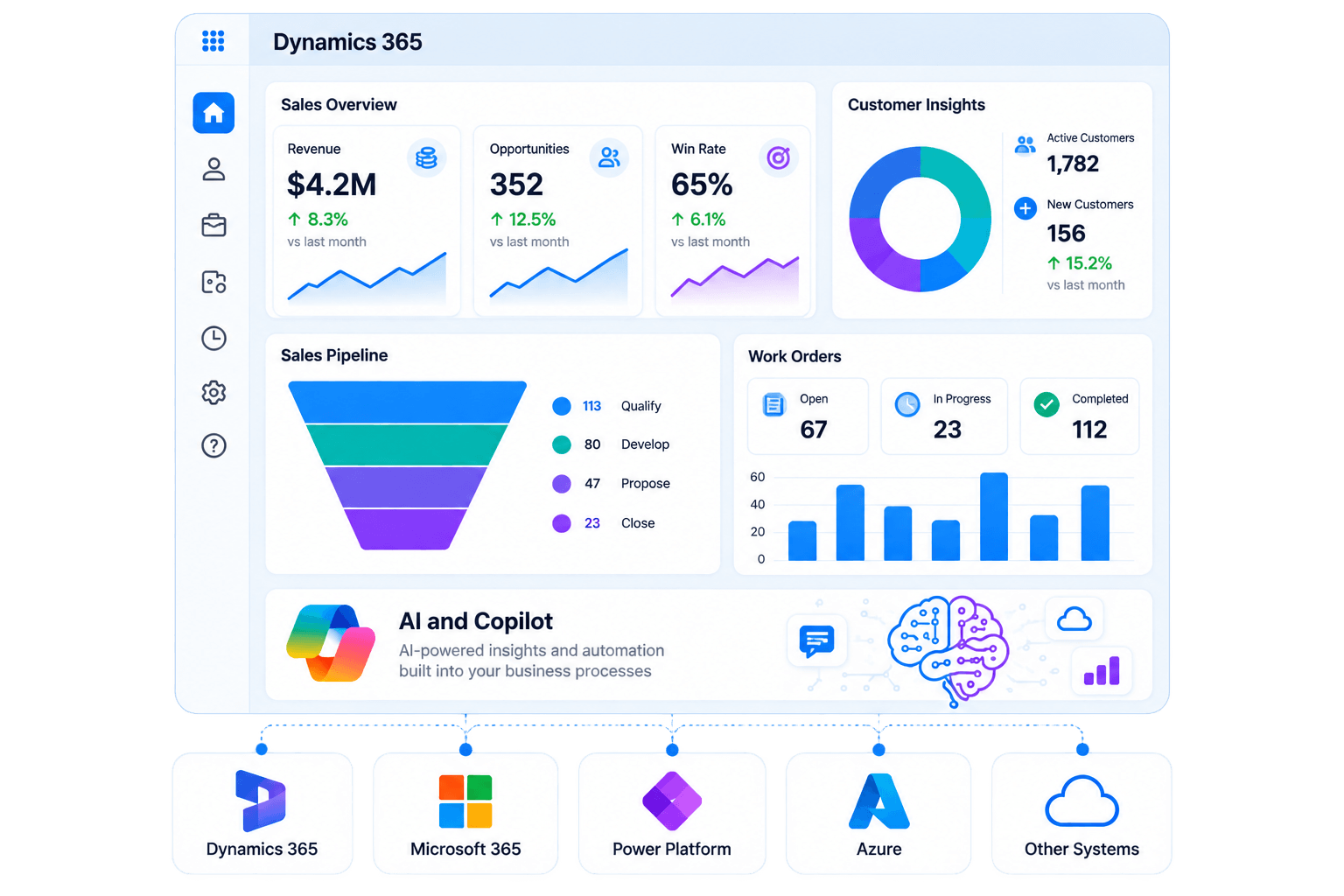
We implement, customise and extend Dynamics 365, integrate it with your existing systems, and apply AI and Copilot where they add practical value.
When organisations typically engage us
Most clients come to us when they want to modernise Dynamics 365 or extend it with AI capabilities, but are unsure where AI actually adds value.
Customer and operational data is fragmented across systems
Reporting and forecasting rely on manual processes
Existing Dynamics 365 systems are underutilised or inconsistently adopted
AI initiatives are not connected to core business systems
Workflow automation exists but is not standardised
What we deliver
We implement Dynamics 365 as the core system of record, and extend it with AI and Copilot capabilities where appropriate.
Core Dynamics 365 Implementation
We align Dynamics 365 with sales, finance, operations, and service.
- Sales pipeline and opportunity management
- Finance and operational data modelling
- Customer service case management
- System integration and data consistency
- Role-based access control
AI Insights & Decision Support
We enable Copilot and AI on Dynamics 365 data.
- Sales forecasting and pipeline insights
- Case and customer summarisation
- Natural language data access
- Automated reporting and insights
- Workflow recommendations
Dynamics 365 Extension
We extend Dynamics 365 with Microsoft tools.
- Power Automate workflows
- Power Apps development
- Power BI reporting
- ERP & system integration
- Azure APIs and data layer
Enterprise Integration
We integrate Dynamics 365 with enterprise systems.
- Microsoft 365 (Teams, Outlook, SharePoint)
- Azure services
- ERP systems (SAP, Oracle, Xero, MYOB)
- E-commerce platforms
- Security and governance
How we deliver
We follow a structured delivery approach designed to reduce risk and ensure AI is applied in meaningful areas.
01
Discovery & system assessment
We analyse existing Dynamics 365 setup, data quality, and business workflows.
02
AI opportunity mapping
We identify where AI adds measurable value versus where traditional automation is sufficient.
03
Solution architecture
We define Dynamics 365 configuration, integration layers, and AI enablement points.
04
Implementation in phases
We deliver Dynamics 365 core first, then progressively introduce AI capabilities.
05
Validation & adoption
Business users validate workflows, reporting, and AI outputs before full rollout.
06
Continuous optimisation
We refine workflows, data models, and AI usage based on real-world usage.
Start with less risk
1-Week Free Trial
Share a specific module or feature you’d like developed, and try our service risk-free for one week to experience how we work before signing a final contract
Money-back Guarantee
We’re confident in our developers and delivery quality. If you’re not satisfied with the latest development iteration, we’ll provide a full refund for that iteration.
Flexible Contracts
We provide adaptable contracts, allowing you to adjust your team size as your project scales and matures.
FAQ

-
How long does a Dynamics 365 implementation take?
Implementation timelines depend on the modules involved, the level of customisation, integration requirements, data migration and the condition of your existing environment. We assess these factors before recommending an implementation approach and delivery plan.
-
We already have Dynamics 365. Can you improve what we have?
Yes — a significant portion of our work is org health reviews, performance remediation, and capability expansion for existing D365 customers. We audit your current configuration, identify what is working against you (overcustomised workflows, data quality issues, adoption gaps), and deliver a prioritised improvement plan. You do not need to start from scratch.
-
Can you integrate Dynamics 365 with our existing ERP or third-party systems?
Integration is a core part of most of our engagements. We have built connections to SAP, Oracle, NetSuite, Xero, MYOB, Salesforce, Shopify, Magento, and a wide range of custom-built platforms — using native Dataverse connectors, Power Automate, Azure Integration Services, and custom API middleware. We produce a full integration map during solution design so you understand exactly how data will flow before build begins.
-
How do you handle data migration from our legacy system?
We follow a structured extract → profile → cleanse → map → load → validate methodology. Before any data moves, we assess your source data for quality issues, duplicates, and mapping gaps. Migration runs in a sandbox environment first — you review and sign off before production. Source data is retained until you are fully satisfied with the migrated result.